Let's talk about perceptrons, kids — and I promise this is way less scary than the word sounds.
Imagine a tiny robot brain whose whole job is to answer one yes-or-no question. Should I open the umbrella? Is this a cat? Should I let this email through, or send it to spam? That little robot is a perceptron, and here's the trick to how it decides: it doesn't just look at one thing, it looks at several clues at once, and it cares about some clues more than others.
Say the question is “should I go outside and play?” Your clues might be: is it raining, is it cold, and is it a school day. Each clue gets a little dial called a weight, turned up or down depending on how much that clue matters to you. Rain probably gets turned up high — you really don't want to go out in a downpour. Cold might be turned down a bit, since you can just wear a coat. The perceptron multiplies each clue by its dial setting, adds all those numbers together into one big number, and then checks: is that number big enough to cross a line in the sand?
If yes — it shouts “go play!” If no — it says “nah, stay in.”
That's it. That's the whole trick. One tiny yes/no decision, made by weighing a few clues and adding them up. The wild part is that scientists discovered if you chain thousands of these simple little yes/no robots together, layer after layer, each one looking at the answers from the robots before it, they can learn to recognize handwriting, tell a dog from a muffin, or even hold a conversation. One simple idea, stacked really really tall.
May 6, 2026
Yet Another Word Game
Back in 2022, when Wordle was still novel enough that it felt like everyone on the
internet was posting their little colored-square grids every morning, I wrote a small
JavaScript clone of it for a "learn over lunch" exercise.
It was meant for K-12 students:
short enough to bash through in a sitting, real enough to feel like an actual game when
you were done. I called it Yet Another Word Game — YAWG, because I find the dignity of
acronyms funny.
The module never went out into the wild, and I forgot about it for the better part
of four years. I dusted it off this week and realized two things: first, I never
included the JavaScript file in the published bundle (oops), and second, the duplicate-letter
logic — the one part of the lesson that I specifically called out as worth handling
carefully — was quietly broken the whole time.
This entry is the corrected version, with the fix explained. If you just want
to play, here's the game:
Six guesses. Five-letter words. Green = right letter, right place. Orange = right letter, wrong place.
The bug
The interesting algorithmic wrinkle in Wordle is what happens when your guess has
duplicate letters. If the target is eagle and you guess eerie,
the first e is in the right place (green). But the other two
e's in your guess shouldn't light up at all — there's only one
e in eagle, and the green one already claimed it.
Real Wordle handles this. My 2022 version did not.
Here's what the original code did, paraphrased:
// for each letter in the guess, count how many times it appears in the target
var charCnt = 0;
for (var idy = 0; idy < target.length; idy++) {
  if (wordIn[idx] == target[idy]) charCnt++;
}
// then mark it orange if (count_in_target - count_in_target) >= 0
if ((letterCtr[myLetter] - charCnt >= 0) && ...) {
  guess[idx].charClass = charStyles.inWord;
}
Look at that condition. letterCtr[myLetter] is the number of times that
letter appears in the target. charCnt, computed by the inner loop right
above it, is also the number of times that letter appears in the target. So the test
is always 0 >= 0. Every letter in your guess that appears anywhere in the
target lights up orange, no matter how many times.
I'd even left a hint to past-me's confusion in the source: a commented-out helper
function called charCounter, abandoned mid-thought. I clearly knew there
was a problem, didn't quite see the shape of it, and shipped what I had.
The fix
The right way to think about this is as a two-pass algorithm with a letter pool.
Imagine you have a little bin labeled with each letter in the target, holding tokens for
each occurrence. So for eagle you've got bins like
{a:1, e:2, g:1, l:1}. Greens get scored first, and each green
takes a token out of its bin. Then oranges get scored — but only if the bin still has a
token left.
function scoreGuess(guessWord, targetWord, targetCounts) {
  var result = [];
  var available = Object.assign({}, targetCounts); // working copy of the pool

  // Pass 1: greens. Each green consumes a token from the pool.
  for (var idx = 0; idx < guessWord.length; idx++) {
    var letter = guessWord[idx];
    if (letter === targetWord[idx]) {
      result[idx] = { letter: letter, charClass: charStyles.rightSpot };
      available[letter]--;
    } else {
      result[idx] = { letter: letter, charClass: charStyles.wrong };
    }
  }

  // Pass 2: oranges, but only if the pool still has the letter.
  for (var idx = 0; idx < guessWord.length; idx++) {
    if (result[idx].charClass === charStyles.rightSpot) continue;
    var letter = guessWord[idx];
    if (available[letter] > 0) {
      result[idx].charClass = charStyles.inWord;
      available[letter]--;
    }
  }

  return result;
}
Two passes are necessary because greens have priority. Consider the target
water and the guess otter. The two t's in your
guess are tempting to mark — there's a t in water, after all
— but the second one is in the exact right position. If you scored left-to-right in a
single pass, you'd give the first t the orange and have nothing left for
the green. Doing greens first lets them claim their tokens before the oranges go
shopping.
Why this is actually a nice teaching moment
I left it as a bug for so long because the lesson sort of works around the bug —
most randomly chosen target words don't expose it, and a student playing for two minutes
would never notice. But that's exactly the wrong reason to ship a thing. The
duplicate-letter case is where the algorithm gets interesting. It's the place
where you actually have to think about state, about consumption, about why one pass
isn't enough.
If I were teaching this lesson again, I'd lead with the broken version
deliberately. Have students play it until somebody notices the weird highlighting.
Then ask: what's the rule that's being violated? How would you fix it? You'd get
to the two-pass-with-pool solution by reasoning about the problem, instead of
having it handed to you.
That's a better lesson than the one I almost shipped.
The full source
Here's the cleaned-up version of YAWG.js in full. Drop it next to an
HTML page with two divs (output and controls) and you're
playing.
// YAWG.js — Yet Another Word Game
// A small Wordle-inspired exercise. Originally written 2022, revised 2026.

var charStyles = {
  inWord:    "color:white;padding:10px 20px;margin-right:4px;background-color:orange;border:2px solid black;",
  rightSpot: "color:white;padding:10px 20px;margin-right:4px;background-color:green;border:2px solid black;",
  wrong:     "color:white;padding:10px 20px;margin-right:4px;background-color:darkslategrey;border:2px solid black;"
};

var wordList = [
  "alert", "baker", "crowd", "diver", "eagle", "flier", "ghost", "house",
  "inner", "joint", "knife", "later", "miner", "night", "octal", "place",
  "quick", "right", "scene", "timer", "under", "voice", "witch", "xenic",
  "yacht", "zebra"
];

var wordArray, turn, target, letterCtr;
var controls, input, output, button;

function scoreGuess(guessWord, targetWord, targetCounts) {
  var result = [];
  var available = Object.assign({}, targetCounts);

  for (var idx = 0; idx < guessWord.length; idx++) {
    var letter = guessWord[idx];
    if (letter === targetWord[idx]) {
      result[idx] = { letter: letter, charClass: charStyles.rightSpot };
      available[letter]--;
    } else {
      result[idx] = { letter: letter, charClass: charStyles.wrong };
    }
  }

  for (var idx = 0; idx < guessWord.length; idx++) {
    if (result[idx].charClass === charStyles.rightSpot) continue;
    var letter = guessWord[idx];
    if (available[letter] > 0) {
      result[idx].charClass = charStyles.inWord;
      available[letter]--;
    }
  }
  return result;
}

function processInput(wordIn) {
  input.value = "";
  wordIn = (wordIn || "").toLowerCase();
  if (wordIn.length !== target.length || !/^[a-z]+$/.test(wordIn)) return;

  wordArray[turn] = scoreGuess(wordIn, target, letterCtr);

  output.innerHTML = "";
  for (var idx = 0; idx < wordArray.length; idx++) {
    for (var idy = 0; idy < wordArray[idx].length; idy++) {
      output.innerHTML +=
        "<span style='" + wordArray[idx][idy].charClass + "'>" +
        wordArray[idx][idy].letter + "</span>";
    }
    output.innerHTML += "<br>";
  }

  turn++;
  var won = (wordIn === target);
  if (won) turn = 6;

  if (turn > 5) {
    var msg = won
      ? "<p>Got it!</p>"
      : "<p>The word was <strong>" + target + "</strong>.</p>";
    controls.innerHTML = msg + "<input type='button' value='Play again' onclick='initGame();' />";
  }
}

function initGame() {
  wordArray = [];
  turn = 0;
  target = wordList[Math.floor(Math.random() * wordList.length)];

  letterCtr = {};
  for (var idx = 0; idx < target.length; idx++) {
    var ch = target[idx];
    letterCtr[ch] = (letterCtr[ch] || 0) + 1;
  }

  controls = document.getElementById('controls');
  controls.innerHTML =
    "<input id='input' type='text' size='6' maxlength='5' autofocus='true' />" +
    "<button id='button'>return</button>";

  output = document.getElementById('output');
  input  = document.getElementById('input');
  button = document.getElementById('button');

  output.innerText = "";
  input.value = "";
  input.focus();

  button.addEventListener('click', function () { processInput(input.value); });
  input.addEventListener('keypress', function (event) {
    var key = event.which || event.keyCode;
    if (key === 13) processInput(input.value);
  });
}

initGame();
The cleaned-up file fixes a few smaller things along the way: the
Math.round that could occasionally pick a nonexistent word from past
the end of the list, the orphaned done and guesses globals
that nothing was ever doing anything with, the use of the JavaScript reserved word
interface as a variable name. None of those were causing visible harm,
but they were the kind of low-grade smell that suggests a draft never got read again.
That's the lesson buried inside the lesson, I think. Most code that "works" works
in the boring middle of its input space. The bugs live in the corners — and the
corners are usually exactly where the interesting algorithm is. Worth going back
to look once in a while.
Apr 24, 2026
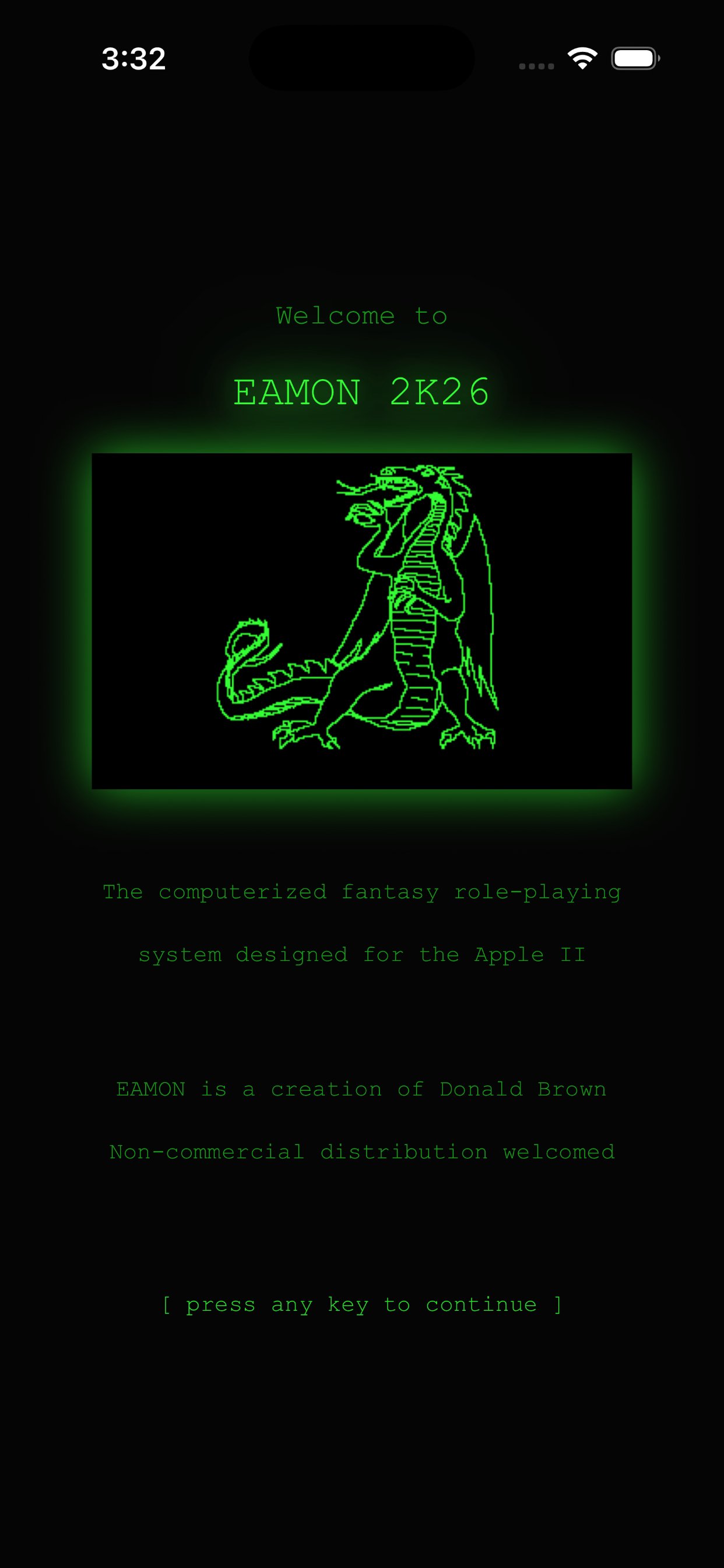
Eamon 2K26 is live on the App Store for iOS.
I've ported the classic Apple }{ RPG by Donald Brown to iOS, along with 3 of his adventures.
Get more details about the game here, or go to the App Store and download it.
Apr 11, 2026
it’s almost here.
I’ve submitted it. Hopefully it gets approved.
Mar 16, 2026
It's here!
It's available at Amazon now. Get your copy today.